
February 4, 2025
Email Auto Answer Powered by Hue AI
Hue AI email auto responder automates replies, improving support and efficiency. Try AI-powered email automation today!
Answers from your own knowledge. A person one click away.
LiveHelpNow live chat puts Hue, the AI brain that learns your knowledge base, past chats, website and documents, in front of your customers: instant answers with their source, a human whenever the customer wants one, and every chat, text and social message in one agent workspace. From $39 per seat a month; Hue answering customers from $99 a month.
The chat window your customers see, the console your agents work in, and Hue learning from both, so the same knowledge answers a customer at 2 am and helps an agent at 2 pm.
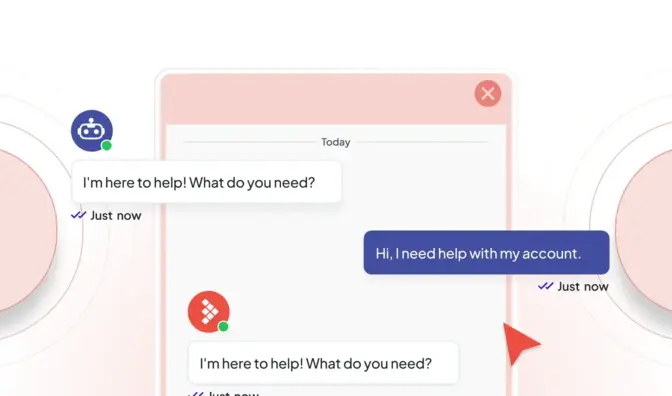
Grounded in your articles, past chats, website and documents, with the source shown. When nothing covers the question, Hue says so and offers a person.

The customer asks for a human and the chat lands in your queue with the full conversation and a summary. Hue also hands off on its own when it is unsure or the topic is sensitive.

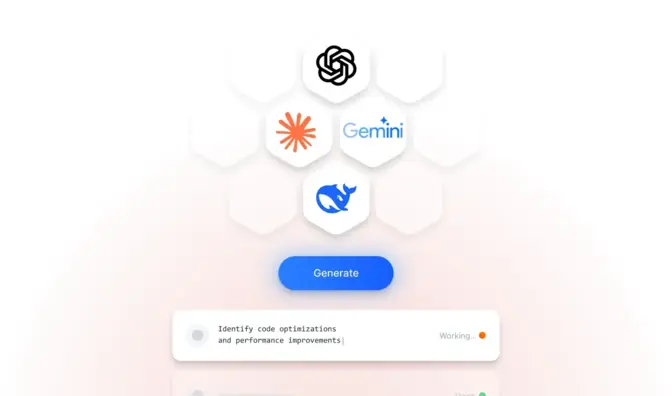
On every customer message Hue suggests the reply and the next step from your knowledge and the customer's history. Agents can ask Hue, draft, improve and summarize in the composer.

The console translates live chats in real time (Microsoft Translator and Google Translate), so an agent can serve a customer in the customer's language and reply in their own.
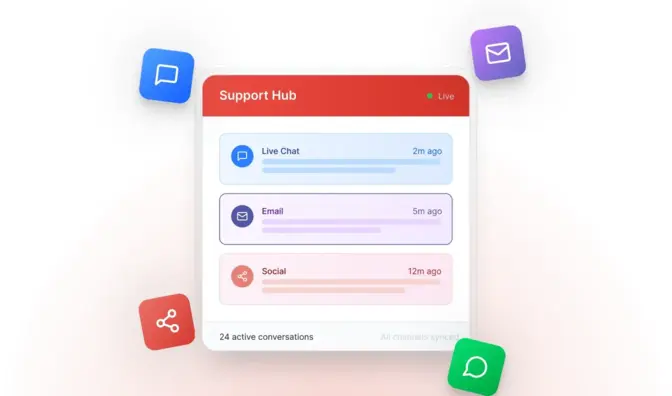
Website chat, SMS, Facebook Messenger, Instagram, WhatsApp, Google Business Messages and Slack arrive in the same console, with the ticket and the customer record beside them.
Departments with schedules and skill levels, queue and capacity rules, visitor triggers that invite the right people at the right moment, and transfers with a supervisor whisper.
Hue is not a chatbot bolted onto chat. It is the knowledge of your company, indexed once and used everywhere: by customers in the chat window, by agents in the console, by managers asking about their support.
Your data is used to answer your questions. It is not used to train AI unless you choose to allow it.
The console is where the day happens: a queue across chat, tickets and calls, canned responses that suggest themselves as you type, a wrap-up timer with dispositions, CSAT surveys with sentiment per chat, and about 45 reports from chat volume and wait times to conversions and agent performance.
Supervisors watch queues, whisper into a chat, transfer and re-queue, and get alerts when waits grow.
Replies from your knowledge, ahead of your canned responses.

Clean handovers between agents, shifts and channels.
Past chats, tickets and orders beside the conversation.
Sensitive data in an encrypted vault; personal data masked and encrypted.

The controls an IT lead asks about are on the plan, not on a roadmap.
Pricing
Live chat from $39 per seat a month on Essential, with AI agent assist included. Hue answering customers from your knowledge base from $99 a month with Knowledge AI; whole AI conversations from $499 a month with Conversational AI, on Professional and Premium. No hidden upgrades.

Free playbook
The Customer Service Operations Playbook: the seven steps Michael Kansky takes every support team through before they buy software, add AI or hire another agent. How to get access to the knowledge, the diagnostic, cost per resolution, handoff rules, staffing to the hour and the weekly review. Ten pages, no form to fill in.
Book a demo, or drop in your website address and watch Hue answer from your content before you sign up.
Website live chat, SMS, email and ticketing, phone (call flows, callbacks and Zoom Phone), Facebook Messenger, Instagram, WhatsApp, Google Business Messages and Slack, plus a customer support portal with a knowledge base and secure forms. Conversations from every channel land in one workspace, so the conversation, the ticket and the customer record stay together.
Yes. The agent console translates live chats both ways (Microsoft Translator and Google Translate), so an agent can serve a customer in the customer's language and reply in their own. The knowledge base can show a translation widget for readers. Website crawling for Hue is English by default.
Hue answers only from your connected content and shows the source behind each answer. If no source covers the question, it does not guess: it says it is not sure and offers to connect the customer with a person. A check after each answer locates every claim in the sources, and Hue refuses to invent links. Nothing is 100 percent, so a human route and the logs of every answer are part of the design.
At any point the customer can ask for a person and the chat goes to your queue with the full conversation and a summary, so nobody repeats themselves. Hue also hands off on its own when it is unsure, when the topic is sensitive (legal, medical, financial, account security) or when only staff can act. On the phone it transfers with a spoken summary of the call.
February 4, 2025
Hue AI email auto responder automates replies, improving support and efficiency. Try AI-powered email automation today!
April 7, 2026
Explore how businesses use conversational AI to handle high ticket volumes, improve efficiency, and deliver faster, 24/7 customer support.
May 27, 2026
As conversational AI becomes more common in customer support, one question continues to surface: Will AI replace human agents?

