
February 4, 2025
Email Auto Answer Powered by Hue AI
Hue AI email auto responder automates replies, improving support and efficiency. Try AI-powered email automation today!
Stop hunting across tabs. Ask once, get the answer with the source.
Tickets, email, chat, calls and social messages in one queue; a knowledge base and support portal your customers can use themselves; automations that move work without you; and Hue, the AI brain that drafts replies, summarizes conversations and answers your team's questions from your own knowledge. From $59 per seat a month.
The pieces a growing support team outgrows a shared inbox for, built together rather than bolted on.
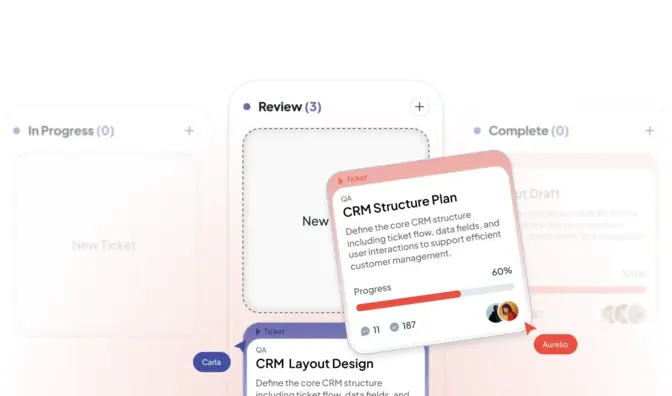
Forms, categories, priorities and statuses, assignment and watchers, internal notes, delayed send with undo, attachments, forward and convert a call into a ticket.
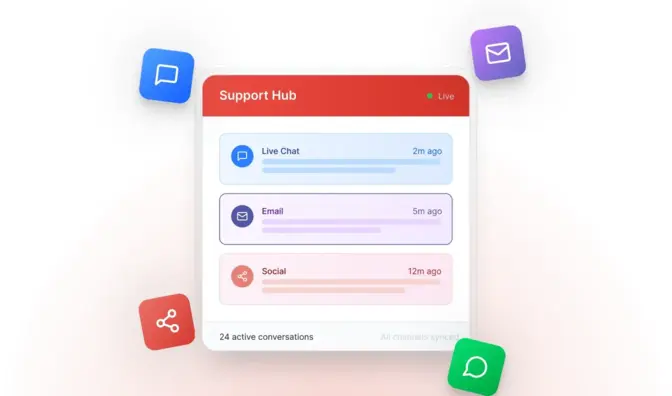
Inbound mail is parsed into tickets with a spam score, so every request has an owner, a status and a history. Chats, calls, texts and social messages land in the same queue.
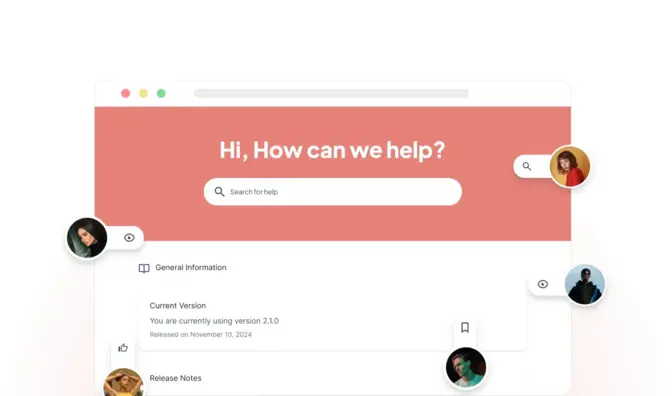
On your own domain: categories, ratings, comments, search with every query logged, white label, a private option behind single sign-on, and a portal where customers submit and track tickets.

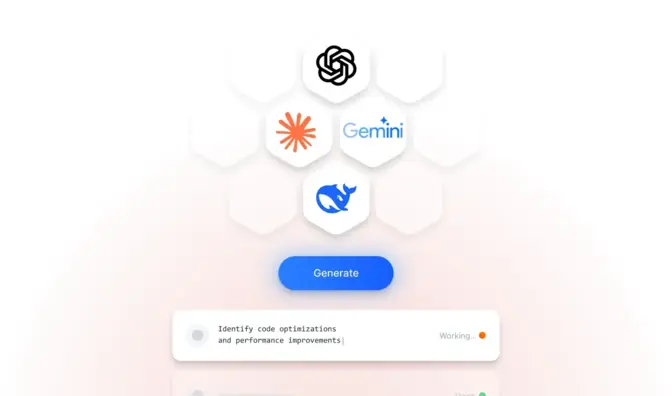
Ask Hue from any ticket, draft a reply with a slash command, improve or summarize text in the composer, start an article from a Hue answer, and let Hue answer new tickets on its own from your knowledge.
Triggers that assign, tag, notify and route by department, schedule and skill; queue and capacity rules; shifts and holidays; canned responses that suggest themselves as you type.

About 45 reports and drag-and-resize dashboards with filters and comparison windows, scheduled by email, exported to PDF and CSV, with CSAT and sentiment from your own surveys.
Hue indexes your company's knowledge once: articles, past tickets and chats, your website, uploaded documents and read-only CRM connections. Agents, customers and managers all work from the same brain, each seeing only what their role allows.
Your data is used to answer your questions. It is not used to train AI unless you choose to allow it.
The workspace keeps the ticket, the conversation and the customer record together, with Hue a keystroke away. Shared drafts, rich canned responses, file requests, email transcripts and a wrap-up timer with dispositions keep handovers clean.
Any language. Live chats translate both ways in the console, so an agent can serve a customer in the customer's language.
Replies from your knowledge, ahead of your canned responses.

Clean handovers between agents, shifts and channels.

Past tickets, chats and orders beside the conversation.
Better matching across articles, tickets and canned answers.

The controls that matter to IT and compliance are part of the plan.
Integrations
Salesforce, HubSpot, Zendesk and Zoho CRM; Slack; Mailchimp; Shopify and ShipStation for order lookup; Zoom Phone, Twilio and Telnyx for calls and texts; outbound webhooks and a REST API for the rest.

Free playbook
The Customer Service Operations Playbook: the seven steps Michael Kansky takes every support team through before they buy software, add AI or hire another agent. How to get access to the knowledge, the diagnostic, cost per resolution, handoff rules, staffing to the hour and the weekly review. Ten pages, no form to fill in.
Book a demo and bring the three questions your agents ask most. We set it up with you; you need a process owner, not a developer.
On each customer message it suggests what to say and what to do, from your knowledge and the customer's own history. Agents can ask Hue directly, draft a reply with a slash command, improve or summarize text in the composer, start a knowledge base article from a Hue answer, and get answers in Slack. Suggestions appear only to the agent, never to the customer.
Ask about your support in plain English and get the figures with the data behind them: volumes, sentiment and promoters from your own surveys and chats, recurring questions, product ideas and improvement suggestions, by period and department. It covers support and CRM data; it is not an accounting tool.
No. We set it up with you. Adding chat to a website is a snippet; channels, departments, routing rules and the knowledge sources Hue learns from are configured in the admin. You need someone who knows your processes, not a developer. Developers get a REST API, webhooks and a JavaScript SDK when they want them.
Yes. Each account gets a knowledge base and support portal on a LiveHelpNow address or your own domain with SSL: categories, article ratings, comments, search with every query logged, sitemap and canonical tags, white labeling, a private option behind single sign-on, and a support portal where customers submit and track tickets. Publishing an article also updates Hue.
February 4, 2025
Hue AI email auto responder automates replies, improving support and efficiency. Try AI-powered email automation today!
April 7, 2026
Explore how businesses use conversational AI to handle high ticket volumes, improve efficiency, and deliver faster, 24/7 customer support.
May 27, 2026
As conversational AI becomes more common in customer support, one question continues to surface: Will AI replace human agents?

