
March 27, 2026
Chatbots vs Conversational AI: What Customer Support Teams Should Know
Explore chatbot vs conversational AI differences, real use cases, and how support teams can choose the right solution to improve service and reduce costs.
Calls, callbacks and voicemail beside chat and tickets, with one brain behind them.
Phone is one more channel in the LiveHelpNow workspace, not a separate system. Inbound calls queue, route and transfer like chats; callback requests come in from your site and portal; outbound calls go through Zoom Phone; every call lands beside the ticket and the customer record. And Hue, the AI that learns your knowledge base, can answer the line, hand off to a person with a spoken summary, and offer a callback when nobody is free (beta).
Agents take calls from the same console as chats, texts and tickets, so a caller gets the same history, the same knowledge and the same follow-up as everyone else.
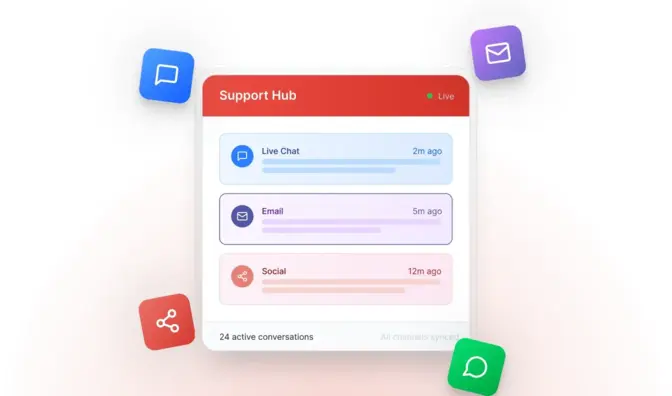
Inbound calls on hosted numbers queue by department, play greetings and hold music, go to voicemail after hours, and transfer between agents. Agents answer in the browser (WebRTC) or on a phone.
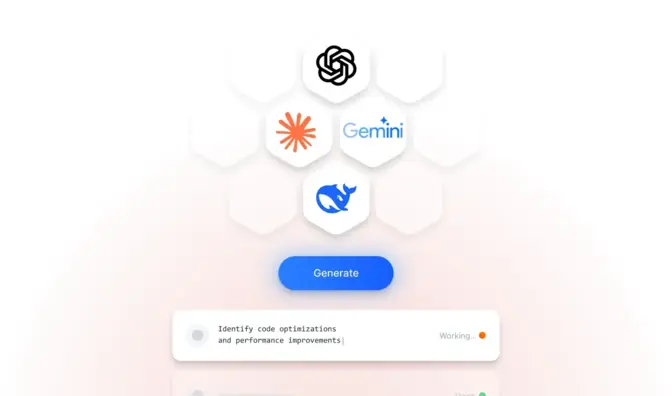
A callback form on your website or support portal creates a request your team works from the queue, with the caller's details and the page they were on. Every callback becomes a record.
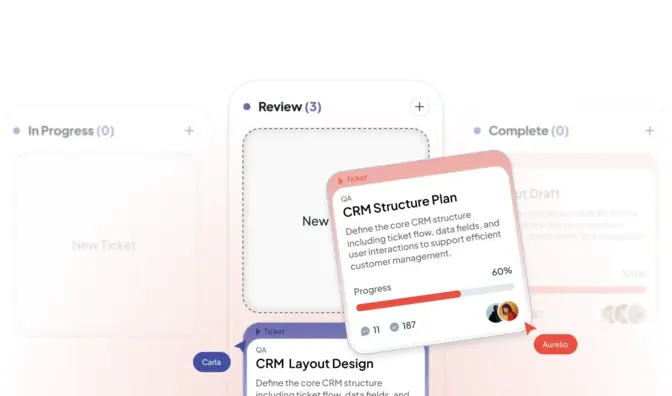
Convert a call into a ticket in one click, with notes, disposition and the customer record attached, so follow-up happens in the same place as email and chat.
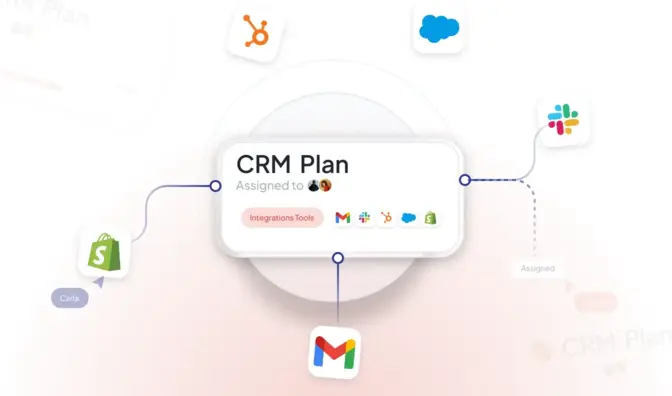
Place and log outbound calls through Zoom Phone from the workspace. Call logging is included on the Professional plan.
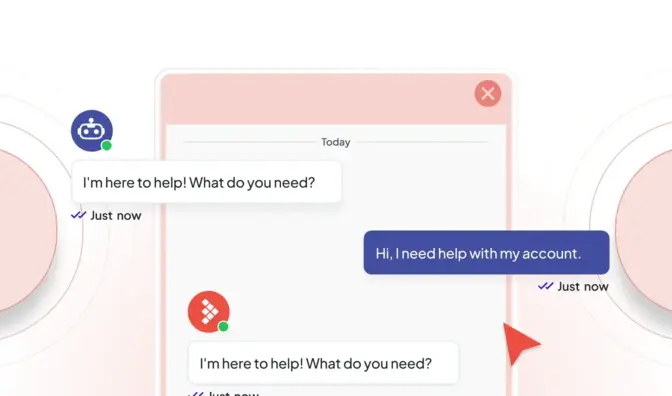
Hue answers the phone from your knowledge, with a greeting per line, transfers to a person with a spoken summary of the call, detects voicemail, offers a callback when nobody answers, and can email the caller the instructions it gave.

Call volumes, wait and handle times, callbacks and dispositions in the same reports as chat and tickets. Recordings are deleted by a daily job, so nothing lingers longer than it should.
Hue is the knowledge of your company indexed once: the same answers it gives in chat and to your agents, it can give on the phone, and it knows when to hand the caller to a person.
A person is always one transfer away.
The caller's past chats, tickets and orders sit beside the call. Wrap-up timers and dispositions keep records clean, canned notes speed up logging, and supervisors see the queue across calls, chats and tickets at once.
Routing you control: departments with schedules and skill levels, queue and capacity rules, shifts and holidays, the same rules that route your chats.

History, tickets and orders beside the call.

Hue summarizes what was said for the next person.

Ask Hue for the procedure or the policy mid-call.

Departments, skills, schedules and capacity, shared with chat.

The same controls as the rest of the platform apply to calls.
Pricing
Callbacks and calls are a product on your plan; call logging and Zoom Phone integration are included on Professional from $59 per seat a month. Hue on the phone is part of the Conversational AI packages, set up with you while it is in beta.

Free playbook
The Customer Service Operations Playbook: the seven steps Michael Kansky takes every support team through before they buy software, add AI or hire another agent. How to get access to the knowledge, the diagnostic, cost per resolution, handoff rules, staffing to the hour and the weekly review. Ten pages, no form to fill in.
Book a demo and bring the calls your team handles most. We set it up with you; you need a process owner, not a developer.
Website live chat, SMS, email and ticketing, phone (call flows, callbacks and Zoom Phone), Facebook Messenger, Instagram, WhatsApp, Google Business Messages and Slack, plus a customer support portal with a knowledge base and secure forms. Conversations from every channel land in one workspace, so the conversation, the ticket and the customer record stay together.
At any point the customer can ask for a person and the chat goes to your queue with the full conversation and a summary, so nobody repeats themselves. Hue also hands off on its own when it is unsure, when the topic is sensitive (legal, medical, financial, account security) or when only staff can act. On the phone it transfers with a spoken summary of the call.
No. We set it up with you. Adding chat to a website is a snippet; channels, departments, routing rules and the knowledge sources Hue learns from are configured in the admin. You need someone who knows your processes, not a developer. Developers get a REST API, webhooks and a JavaScript SDK when they want them.
Yes. Automatic purge can run from immediately after an interaction to 30 days later, per account, with transcript and attachment keep flags; tickets can be purged with an audit record, and a daily job removes personal data by email or phone on request.
March 27, 2026
Explore chatbot vs conversational AI differences, real use cases, and how support teams can choose the right solution to improve service and reduce costs.
August 6, 2025
Discover how AI chatbot customer service boosts support, reduces costs, and works nonstop - just like our chatbot Hue at LiveHelpNow.
March 17, 2026
Discover how conversational AI transforms customer support with instant replies, automation, and personalized experiences, without losing the human touch.

